Back to Blog
July 4, 2026
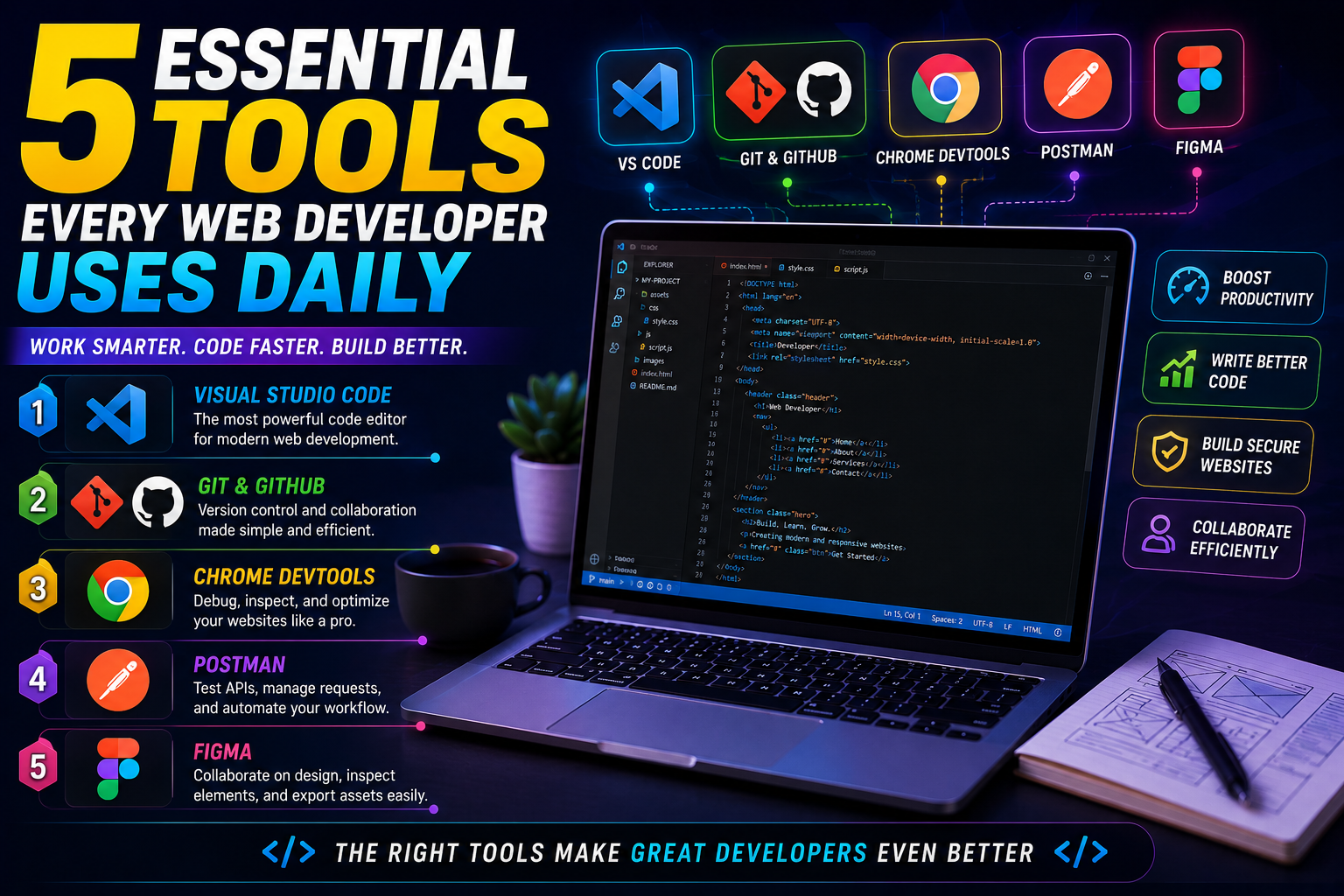
5 Essential Tools Every Web Developer Uses Daily
5 Essential Tools Every Web Developer Uses Daily
Behind every successful website or web application is a developer equipped with the right set of tools. While programming languages and frameworks are the foundation of web development, productivity, efficiency, and code quality often depend on the software developers use every day. Professional web developers rely on carefully selected tools that simplify coding, debugging, testing, collaboration, and deployment. These tools save countless hours, reduce human errors, and make complex projects easier to manage. Whether you are just starting your journey or looking to improve your workflow, mastering these essential tools will help you become a faster, more organized, and more productive developer.
1. Visual Studio Code
Visual Studio Code, commonly known as VS Code, has become the preferred code editor for millions of developers worldwide. Its lightweight design, excellent performance, and massive extension marketplace make it suitable for almost every web development technology, including HTML, CSS, JavaScript, PHP, React, Node.js, Python, and many more. Features such as IntelliSense, syntax highlighting, integrated terminal, Git support, code formatting, debugging tools, and customizable workspaces significantly improve the development experience. Developers can install extensions for frameworks, databases, Docker, AI assistants, and productivity enhancements, making VS Code a complete development environment rather than just a text editor.
2. Git and GitHub
Version control is an essential part of modern software development, and Git has become the industry standard. Git allows developers to track every change made to a project, restore previous versions, create separate branches for new features, and collaborate with other developers without overwriting each other's work. GitHub builds upon Git by providing cloud-based repository hosting, issue tracking, pull requests, project management, and automated deployment integrations. Even individual developers benefit from using Git because it provides a reliable backup system while documenting the complete history of every project. Learning Git is one of the most valuable investments any developer can make.
3. Chrome DevTools
Every web developer spends a significant amount of time testing and debugging websites, and Chrome DevTools provides everything needed for this task. Built directly into Google Chrome, DevTools allows developers to inspect HTML elements, modify CSS in real time, debug JavaScript, analyze network requests, monitor performance, simulate mobile devices, measure loading speed, and identify accessibility issues. Instead of repeatedly editing source files just to test small changes, developers can instantly experiment inside the browser before applying modifications permanently. This dramatically speeds up development and troubleshooting while helping create responsive, high-performance websites.
4. Postman
Modern websites rarely operate independently. They communicate with APIs to retrieve data, process payments, authenticate users, send emails, and integrate with third-party services. Postman simplifies API development by allowing developers to create, organize, test, and document HTTP requests without writing additional code. Developers can send GET, POST, PUT, DELETE, and PATCH requests, inspect responses, verify authentication tokens, and automate API testing through collections and environments. Postman is especially valuable when building REST APIs or integrating external services because it helps identify problems before they affect the frontend application.
5. Figma
Although many developers are not professional designers, understanding user interface design has become increasingly important. Figma enables developers to collaborate with designers, inspect layouts, measure spacing, review typography, export assets, and understand the overall design system before writing code. Because Figma is cloud-based, entire teams can work together in real time without worrying about software compatibility or file versions. Developers can accurately transform design concepts into responsive websites while maintaining consistency across different pages and components. This collaboration significantly improves communication between designers and developers while reducing implementation errors.
Building a More Efficient Workflow
These five tools complement each other throughout the entire development lifecycle. A project may begin with a design created in Figma, continue with coding inside Visual Studio Code, use Git and GitHub for version control, rely on Postman for API testing, and finish with Chrome DevTools for debugging and performance optimization. Together they create a streamlined workflow that allows developers to focus on solving problems rather than fighting inefficient processes. As projects become larger and more complex, the value of these tools becomes even more apparent.
Final Thoughts
Professional web development is about much more than writing code. Success depends on using the right tools to improve productivity, maintain code quality, collaborate effectively, and deliver reliable applications. Visual Studio Code, Git and GitHub, Chrome DevTools, Postman, and Figma have become essential parts of the modern development ecosystem because they simplify daily tasks while supporting projects of every size. Learning these tools early in your career will help you work more efficiently, avoid common mistakes, and build websites that are easier to develop, maintain, and scale. Technology continues to evolve rapidly, but mastering these core tools provides a strong foundation that will remain valuable throughout your web development journey.