Back to Blog
July 4, 2026
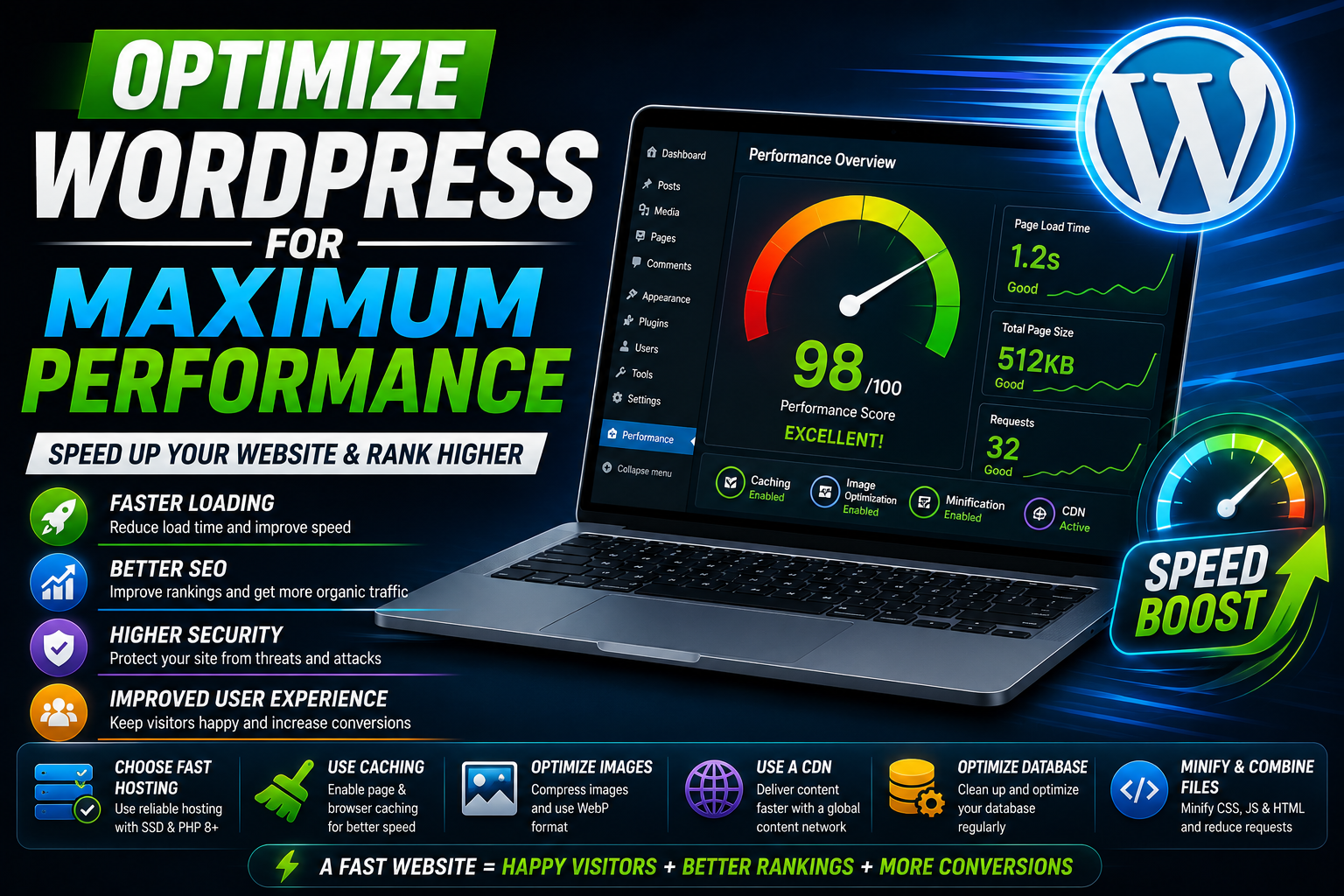
How to Optimize Your WordPress Website for Maximum Performance
How to Optimize Your WordPress Website for Maximum Performance
WordPress powers millions of websites across the internet, making it the most popular content management system in the world. From personal blogs and business websites to eCommerce stores and enterprise platforms, WordPress offers unmatched flexibility and ease of use. However, many website owners eventually face the same challenge: slow loading times. A slow website not only frustrates visitors but also affects search engine rankings, conversion rates, and overall business growth. Fortunately, optimizing a WordPress website does not require rebuilding it from scratch. By following a series of proven performance optimization techniques, you can significantly improve speed, stability, and user experience while preparing your website for future growth.
The first step toward better performance is choosing high-quality hosting. Even the best optimization techniques cannot compensate for an overloaded or poorly configured server. Modern hosting providers that offer LiteSpeed or Nginx servers, NVMe SSD storage, PHP 8.x, and server-side caching provide a much stronger foundation than traditional shared hosting. Reliable hosting reduces server response time, improves stability during traffic spikes, and ensures your website can efficiently handle growing numbers of visitors without performance issues.
Keeping WordPress, themes, and plugins updated is equally important. Every update not only introduces new features but also includes security patches, performance improvements, and bug fixes. Running outdated software can slow down your website while exposing it to security vulnerabilities. Before performing updates, always create a full backup to ensure you can quickly restore your website if anything unexpected happens during the process.
Plugins are one of WordPress's greatest strengths, but installing too many unnecessary plugins is one of the most common reasons websites become slow. Every plugin consumes server resources, loads additional scripts, and may increase database queries. Instead of installing multiple plugins with overlapping functionality, choose lightweight, well-maintained solutions that are actively updated by trusted developers. Regularly review your installed plugins and remove anything that is no longer essential to your website.
Images typically account for the largest portion of page size. Uploading large, uncompressed images directly from a camera or design software dramatically increases loading time. Before uploading, resize images according to the actual display dimensions and compress them using modern formats such as WebP whenever possible. Enabling lazy loading allows images outside the visible screen area to load only when users scroll down, significantly reducing the initial page load time and improving overall performance.
Caching is another essential optimization strategy. Instead of generating every page dynamically whenever someone visits your website, caching stores pre-generated versions that can be delivered almost instantly. This reduces server workload, lowers response times, and improves scalability during periods of heavy traffic. Combining page caching with browser caching ensures that returning visitors experience even faster loading speeds because static resources are stored locally on their devices.
Using a Content Delivery Network (CDN) further improves website performance by distributing your content across multiple servers located around the world. Visitors automatically receive files from the server closest to their geographical location, reducing latency and improving loading speed. Modern CDN providers also include security features such as DDoS protection, intelligent caching, automatic image optimization, and HTTP/3 support, making them valuable additions for both performance and security.
Database optimization should never be ignored. As WordPress websites grow, databases collect unnecessary revisions, expired transients, spam comments, and orphaned data left behind by removed plugins. Cleaning and optimizing the database regularly reduces query execution time and helps dynamic pages load more efficiently. Scheduling routine database maintenance keeps your website responsive even after years of continuous operation.
Themes also influence performance. While feature-rich multipurpose themes may appear attractive, they often include unnecessary code, scripts, and styling that increase page size. Lightweight themes built with clean code and modern development practices usually deliver significantly better performance. Pairing a lightweight theme with optimized plugins creates a faster and more maintainable website that is easier to customize over time.
Code optimization plays an equally important role. Minifying CSS and JavaScript removes unnecessary characters, while combining files where appropriate reduces network requests. Loading JavaScript asynchronously or deferring non-essential scripts prevents render-blocking resources from delaying page display. Eliminating unused CSS generated by themes or plugins also contributes to a cleaner, faster website. Every small optimization helps create a noticeably smoother browsing experience.
Website security and performance often work together. Malware infections, brute-force attacks, and malicious bots consume server resources that could otherwise serve legitimate visitors. Installing a trusted security solution, enabling a firewall, limiting login attempts, and using Cloudflare or similar services protects your website while maintaining consistent performance. HTTPS encryption should also be enabled to secure user data and improve trust with both visitors and search engines.
Finally, performance optimization is an ongoing process rather than a one-time task. Regularly monitor your website using tools such as Google PageSpeed Insights, Lighthouse, and GTmetrix to identify new optimization opportunities. As your website grows with additional content, products, and visitors, continuous monitoring ensures that performance remains consistently high.
A fast WordPress website provides more than just better loading speeds. It creates a smoother browsing experience, improves SEO rankings, increases visitor engagement, boosts conversion rates, and strengthens your brand's credibility. By combining reliable hosting, optimized images, efficient caching, lightweight themes, carefully selected plugins, database maintenance, CDN integration, and continuous performance monitoring, you can transform an average WordPress website into a high-performance platform capable of serving visitors quickly and reliably. Investing time in optimization today will deliver long-term benefits that help your website grow faster, rank higher, and provide an exceptional experience for every visitor.